 Supra Tabs & Accordions
Clear Specs, Clean Pages: How to Display Product Specifications on Shopify

Clear Specs, Clean Pages: How to Display Product Specifications on Shopify
Technical products—from skincare with long ingredient lists to electronics with complex voltage requirements—often come with a mountain of mandatory data. While this information is vital for building trust and ensuring compliance, it can quickly overwhelm a shopper, turning your product page into an unreadable wall of text. Mastering your product specifications display is the difference between a professional storefront and a cluttered one.
When a shopper encounters a wall of technical specs, they don't just feel bored; they feel confused. Confusion is the primary driver of the "back" button. If they can't find the dimensions, the material composition, or the safety warnings quickly, they will assume the product isn't right for them.
Organize by Shopper Intent
Not all specifications are created equal. Some shoppers are looking for compatibility (will this fit my car?), while others are looking for safety (is this organic?). Instead of one giant "Specs" block, consider grouping your data into logical buckets:
- The Basics: Dimensions, weight, and materials.
- Technical Details: Voltage, processor speed, or chemical composition.
- Compliance & Care: Certifications, warranty info, and washing instructions.
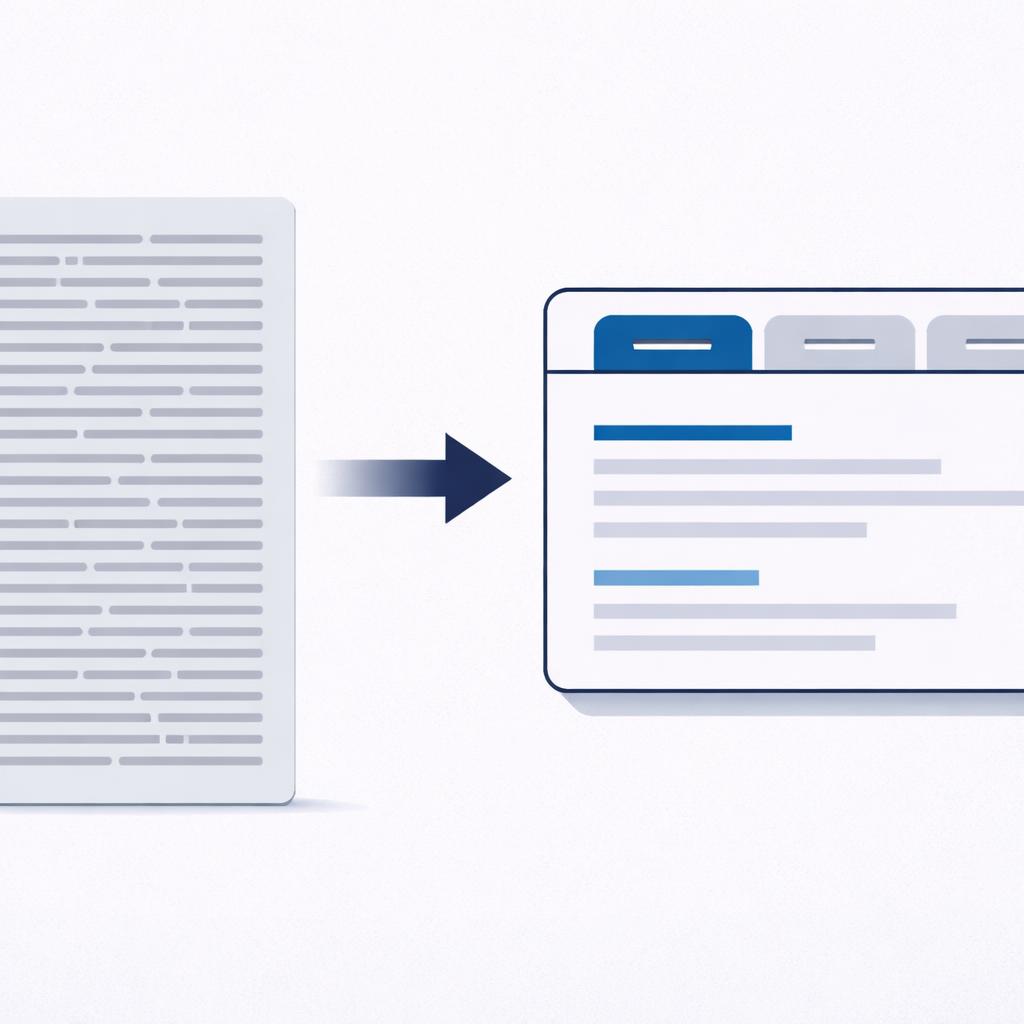
By categorizing this information, you allow shoppers to self-select the data they need without forcing everyone to scroll through it all. This is the core of smart product page organization.
Leverage Shopify Metafields for Scale
One of the biggest challenges in managing a product specifications display at scale is that every product is different. A drill has a different set of specs than a screwdriver. Using Shopify's native metafields allows you to store this structured data at the product level.
However, simply having the data in a metafield isn't enough; you need a way to display it that doesn't require custom coding for every single product template. You want a system where the layout is consistent, but the content is dynamic.
Handle Empty Fields Gracefully
Nothing looks more unprofessional than a "Specifications" tab that contains nothing but a blank space because that specific product happens to not have a certification yet. A robust display strategy must be "empty-aware." If there is no data for a specific field, that section should simply not exist for that product. This keeps your catalog looking intentional and complete, even when your data is still being populated.

How Supra Tabs & Accordions Helps
Supra Tabs & Accordions was built specifically to solve the information architecture problems of technical Shopify stores. It allows you to build a single "Tab Set" that applies to your entire catalog, but renders uniquely for every product.
- Targeting by Collection or Tag: You can create a specific spec-heavy layout for your "Power Tools" collection and a simpler one for "Accessories."
- Six Content Sources: Pull your specs directly from product descriptions, pages, or specific per-product metafields without writing a single line of code.
- Empty-Tab Hiding: Our "hide if empty" feature ensures that if a product doesn't have an "Ingredients" list, that tab simply disappears for that product, keeping your UI clean.
- Twelve Professional Looks: Choose from various shapes like Underline, Pills, or Bordered cards to match your store’s brand blue (#24567F) and slate (#94A7BF) palette perfectly.
By transforming your technical data into a clean, mobile-responsive product specifications display, you answer customer questions before they even have to ask. This reduces support load and builds the kind of professional trust that leads to long-term customer loyalty.
Ready to clean up your product pages? Install Supra Tabs & Accordions for free today and start organizing your catalog in minutes.
Tidy up your product pages.
Tabs on desktop, accordions on mobile — set up once, applied across your catalog.
Add to Shopify